A lesson plan can look complete and still leave you with plenty of work.
The activity doesn’t quite fit your students. The questions give too much away. The exit ticket checks whether students remember a definition—not whether they understand the idea.
Instead of asking AI to plan everything, try giving it a smaller job.
One goal. One useful piece. One deliberate revision.
1. Start with what students should do
Before opening Gemini, finish this sentence:
“By the end of this lesson, students should be able to…”
Name something you can actually observe. “Understand credible sources” is a starting point. “Compare two sources and explain which claim has stronger evidence” gives you a clearer task to design.
Then choose the piece you need help creating: a discussion prompt, a short practice activity, a worked example, or an exit ticket.
2. Draft that piece in a Gemini Canvas
Open a Gemini chat and select Tools → Canvas.
Canvas provides a workspace where you can revise the draft rather than start over with every request.
Here’s a hypothetical seventh-grade example you could adapt:
I teach seventh-grade English. Create a short activity that helps students compare evidence in two sources.
Use two clearly labeled fictional passages about whether our imaginary school should add a shaded outdoor reading area. Give the passages different strengths and limitations.
Include three questions asking students to identify a claim, evaluate its supporting evidence, and explain what additional information they would need.
Keep the language accessible without making the stronger argument obvious. Include teacher notes explaining the reasoning students might use.
Notice what the prompt does: it names the reader, the learning task, the materials, and the expected result.
For more starting points, TeacherCast’s Gemini lesson-planning guide includes prompts for discussion questions, rubrics, differentiated supports, and lesson reflection. Choose one that fits your goal rather than generating everything at once.
3. Revise the part that needs work
Read the draft as a teacher—not as someone checking whether Gemini followed instructions.
Are students doing the thinking you intended? Is one answer so obvious that there’s little to discuss? Does the activity require background knowledge you haven’t taught?
Google’s tutorial shows how to highlight a section in Canvas and ask Gemini to change it.
For this example, a useful follow-up might be:
Revise the second passage so its argument is plausible, but its evidence has a limitation students can identify. Keep both passages explicitly fictional.
Then review again. AI-generated material still needs your judgment, factual checks, and attention to accessibility. Don’t include student names or private student information.
What could this look like in your subject?
The same routine can help with different teaching tasks. These are hypothetical, untested examples to adapt—not demonstrated classroom results.
Math: Help students investigate a mistake
Goal: Explain why adding fractions requires equal-sized parts.
Draft one piece:
Create a fictional student’s incorrect solution to 1/2 + 1/4 using a plausible misconception. Label it “An example to investigate.” Ask students to explain the reasoning and test it with a drawing. Put the correct explanation in separate teacher notes.
Revise deliberately: “The questions reveal the mistake too quickly. Ask students to describe the reasoning before evaluating it.”
Check the mathematics yourself and make sure students encounter the correct explanation before finishing.
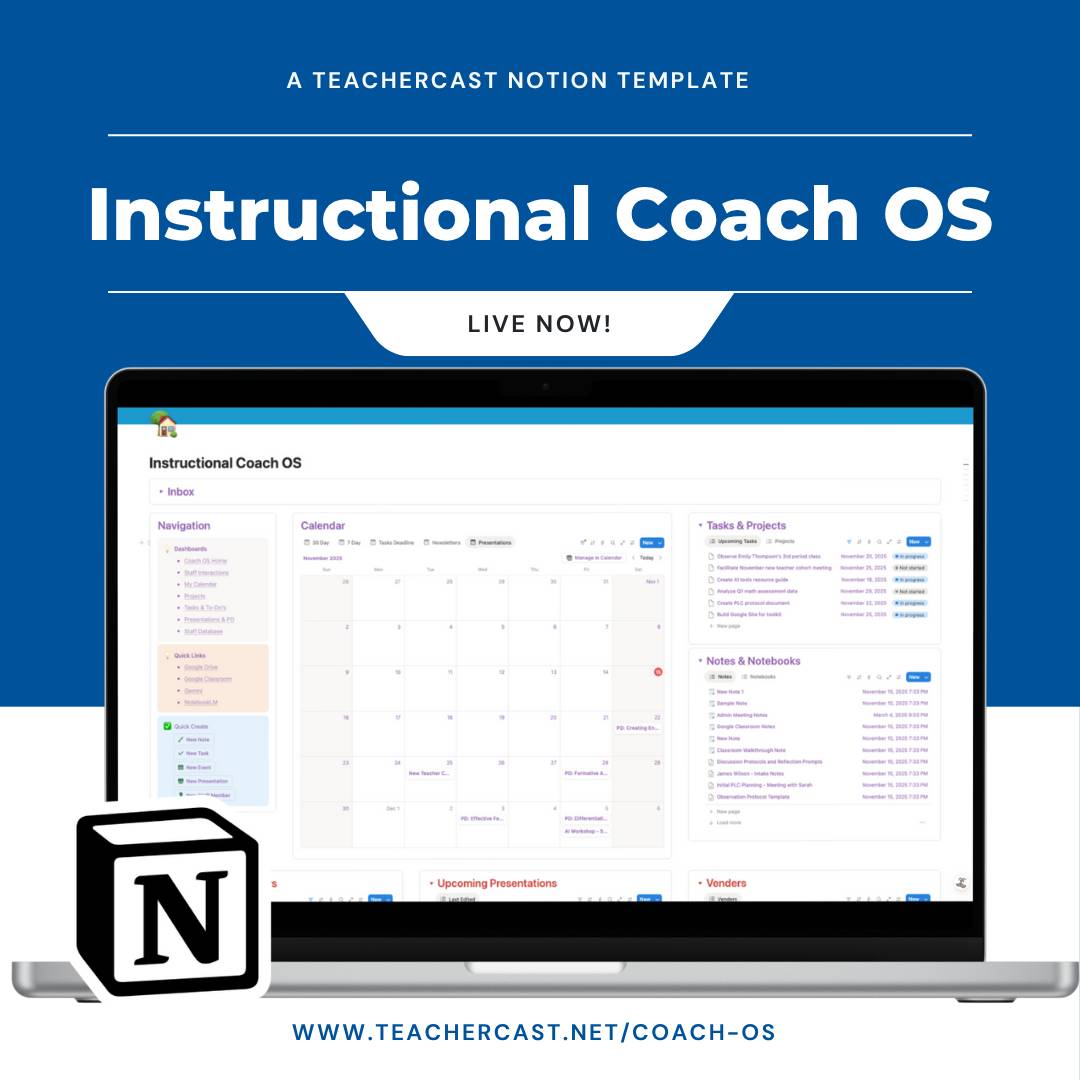 |
The All-in-One System for Coaches
Transform your coaching practice with a unified workspace designed specifically for instructional coaches.
Track staff... Read more |
Science: Make an exit ticket reveal reasoning
Goal: Explain that plants use light energy to help make sugars—not that sunlight is itself food.
Draft one piece:
Create a seventh-grade exit ticket with a fictional student claim that confuses sunlight with matter used to make sugars. Ask students to evaluate the claim and explain their reasoning. Include separate teacher notes.
Revise deliberately: “Ask students to explain where the matter in the sugars comes from. Keep the reading demand manageable without removing the science vocabulary.”
Verify the science. Treat AI suggestions about what student responses mean as possibilities to investigate, not diagnoses.
History: Ask what a source can actually establish
Goal: Explain how a source’s purpose affects its usefulness for a historical question.
Draft one piece:
Using the two historical excerpts I provide, create three discussion questions about how each source’s author, audience, and purpose affect its usefulness for answering [historical question]. Use only the supplied excerpts. Do not invent quotations or historical context. Flag missing information.
Revise deliberately: “Replace questions that simply ask students to identify bias. Ask what each source helps us understand—and what it cannot establish on its own.”
Use materials you have permission to share, verify attribution, and check any historical claims.
Already working from a collection of readings? TeacherCast’s practical Notebook uses for teachers explores a separate, source-based approach to research and study supports. It’s an optional related workflow—not a required step in this Canvas routine.
 |
Get Access to My Personal Collection of Lessons & Templates
Get instant access to my complete vault of simplified systems, templates, and digital toolkits.
Every month, you'll... Read more |
Any subject: Support an explanation without supplying it
Goal: Support a claim with evidence and explain the connection.
Draft one piece:
Create a brief writing scaffold for [grade/subject] students responding to [question]. Help them organize a claim, select evidence, and explain the connection. Use placeholders and questions rather than a completed answer.
Revise deliberately: “These sentence starters suggest the conclusion. Remove that wording and give students choices about how to explain the connection.”
Check that the scaffold supports expression without doing the thinking for students.
You don’t need to try every example. Choose the instructional job that matches your next lesson.
Your first move
Pick one upcoming lesson and identify one unfinished piece.
Write its learning goal before you write the prompt. Generate a draft, then make one purposeful revision.
The point isn’t to collect more AI-generated materials. It’s to create something that fits the learning you want to happen.
